
Highlights
- Windows 11 introduces expanded Copilot features for voice commands, file management, and screen guidance.
- “Hey, Copilot” allows hands-free interaction across Windows apps and desktop tasks.
- New Copilot Actions and Copilot Vision tools integrate AI into core Windows features like File Explorer and Search.
- Microsoft emphasises security improvements and gradual rollout through the Insider programme.
Copilot returns as a voice-driven assistant
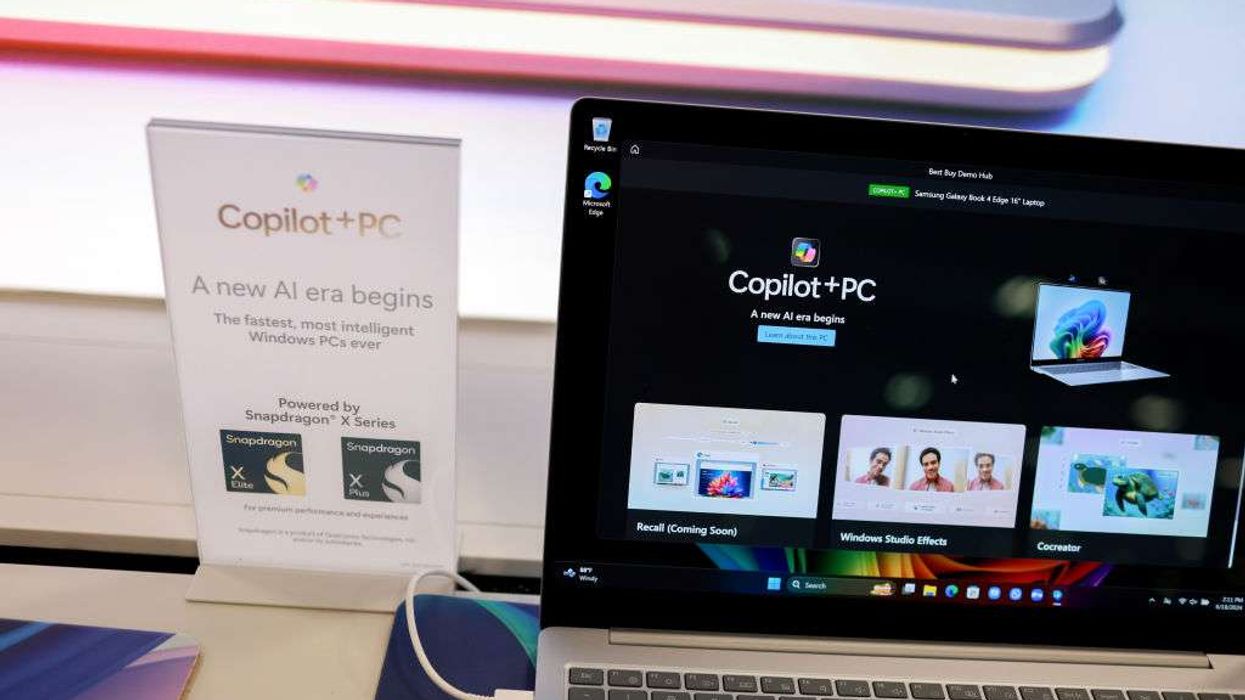
Microsoft is positioning Copilot as the successor to Cortana, aiming to offer more practical, hands-free support for Windows users. The new “Hey, Copilot” feature lets users summon the assistant with voice commands, while the Copilot key or Windows + C shortcut provides a keyboard option. Saying “goodbye” dismisses the assistant when finished.
The company envisions Copilot as a general-purpose assistant capable of guiding users based on what’s on their screen, providing suggestions, and taking action where appropriate.
Expanding capabilities: File management and screen guidance
Copilot Vision, now available worldwide in all markets offering Copilot, reads the contents of app windows or screens to provide guidance. This can include assisting with Excel tasks, reviewing photos, or summarising documents. A Gaming Copilot beta extends similar support for game walkthroughs and advice.
Copilot Actions further expand functionality, allowing the assistant to interact directly with local files — from sorting images to extracting information from PDFs. The Search bar has been updated into an “Ask Copilot” field, offering both keyboard and voice interaction for local file searches and guidance.
Integrating AI into core Windows features
Unlike previous AI tools, most of which were app-specific, Copilot is moving into central Windows features such as the taskbar, Start menu, and File Explorer. Users can now perform tasks such as batch-editing images, summarising documents, and exporting chat content into Word, Excel, or PowerPoint formats.
These features aim to make AI assistive rather than isolated, supporting day-to-day workflows and reducing reliance on traditional keyboard and mouse interactions.
Security and privacy measures
Microsoft has learned from past missteps with Windows Recall, which exposed sensitive data due to security flaws. The company has implemented a series of protections for Copilot Actions:
- AI agents operate under separate user accounts to limit data access.
- Mandatory code signing ensures trusted operations.
- Minimal privileges are granted for task completion.
- All actions are logged for user verification and correction.
Copilot Actions remain disabled by default, and new features will roll out gradually through the Windows Insider programme to allow testing and feedback before general availability.
While the new Copilot features promise deeper integration into Windows 11, Microsoft is emphasising careful rollout and transparency. By combining voice commands, file management, and on-screen guidance, Copilot aims to become a practical assistant for everyday tasks — addressing some of the limitations that affected earlier voice assistants like Cortana.