
Key points
- iOS 26.1 now available for compatible iPhones
- Update introduces changes to alarms, interface settings and Apple Music gestures
- New privacy features and camera controls aim to give users more control
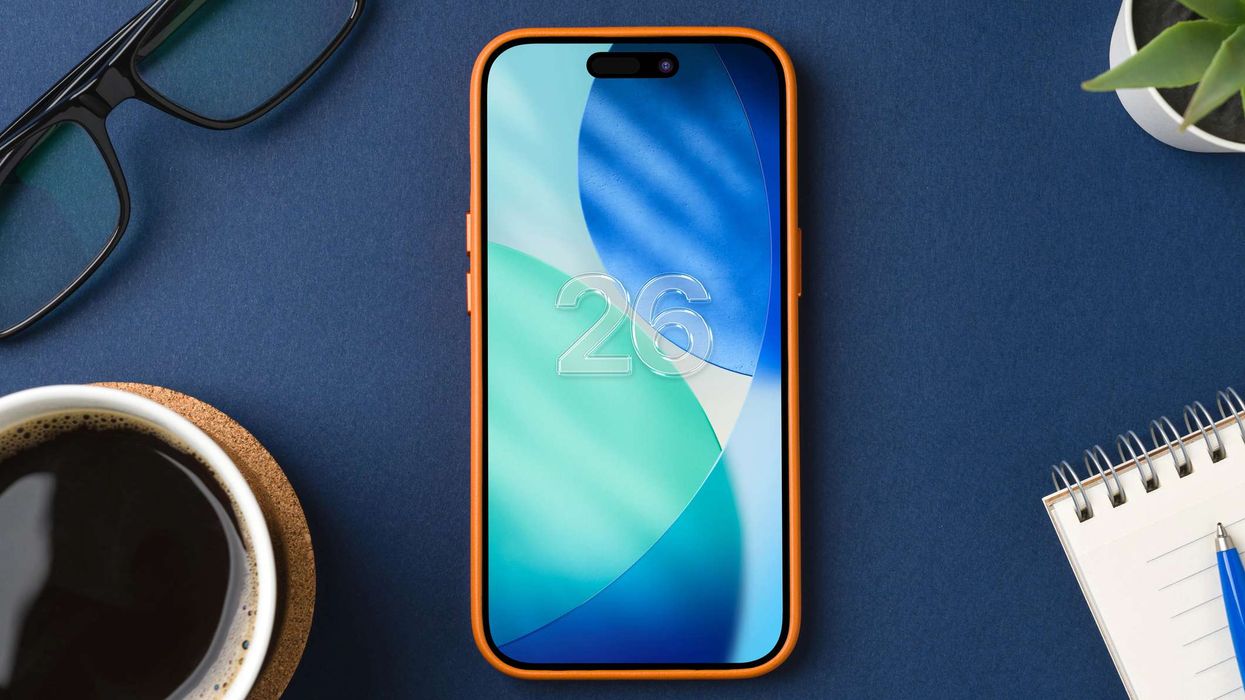
Apple’s latest software update, iOS 26.1, has started rolling out to iPhones. While it’s a smaller release than iOS 26, it brings a handful of practical quality-of-life improvements you’re likely to notice in daily use, especially around alarms, accessibility and media playback.
The update can be installed by heading to Settings > General > Software Update.
1. Better control over alarms
A common complaint from heavy sleepers gets addressed in iOS 26.1. Instead of simply tapping the screen to turn off an alarm, users now need to swipe across an icon to stop it, reducing the chance of silencing it without fully waking up. Snooze remains a tap, meaning it’s now harder to make sleepy mistakes first thing in the morning.
2. Option to reduce Liquid Glass transparency
The new “Liquid Glass” interface style in iOS 26 divided opinion, with some users reporting eye strain and reduced readability. Apple has added a toggle in Settings > Display & Brightness > Liquid Glass, allowing users to switch from “Clear” to “Tinted”, offering lower transparency. Combined with accessibility tools like increased contrast, it should make the interface easier to live with.
3. Swipe gestures in Apple Music
Apple Music gains a small but handy upgrade. Users can now swipe across the MiniPlayer bar at the bottom of the screen to skip tracks, swipe right to go forward, left to go back. It’s a quick gesture that makes one-handed controls easier when listening on the move.
4. Automatic background security updates
iOS 26.1 introduces a new Security Improvements toggle under Settings > Privacy & Security. When enabled, the phone can automatically install background security updates between major iOS releases. These small patches are designed to help keep devices protected without waiting for full software updates.
5. New option to disable lock-screen camera swipe
Users can now turn off the familiar swipe-left camera shortcut from the lock screen. The switch appears in Settings under Lock Screen Swipe to Open Camera. For anyone who regularly triggers the camera by accident or prefers using the dedicated camera button on newer models, the option offers added control.